A visual library for Mac
What you see,
stays.
Ambrel keeps your screenshots, the images you copy and the links that inspire you. Then it finds them again by the text inside them, by their color or by what they look like.
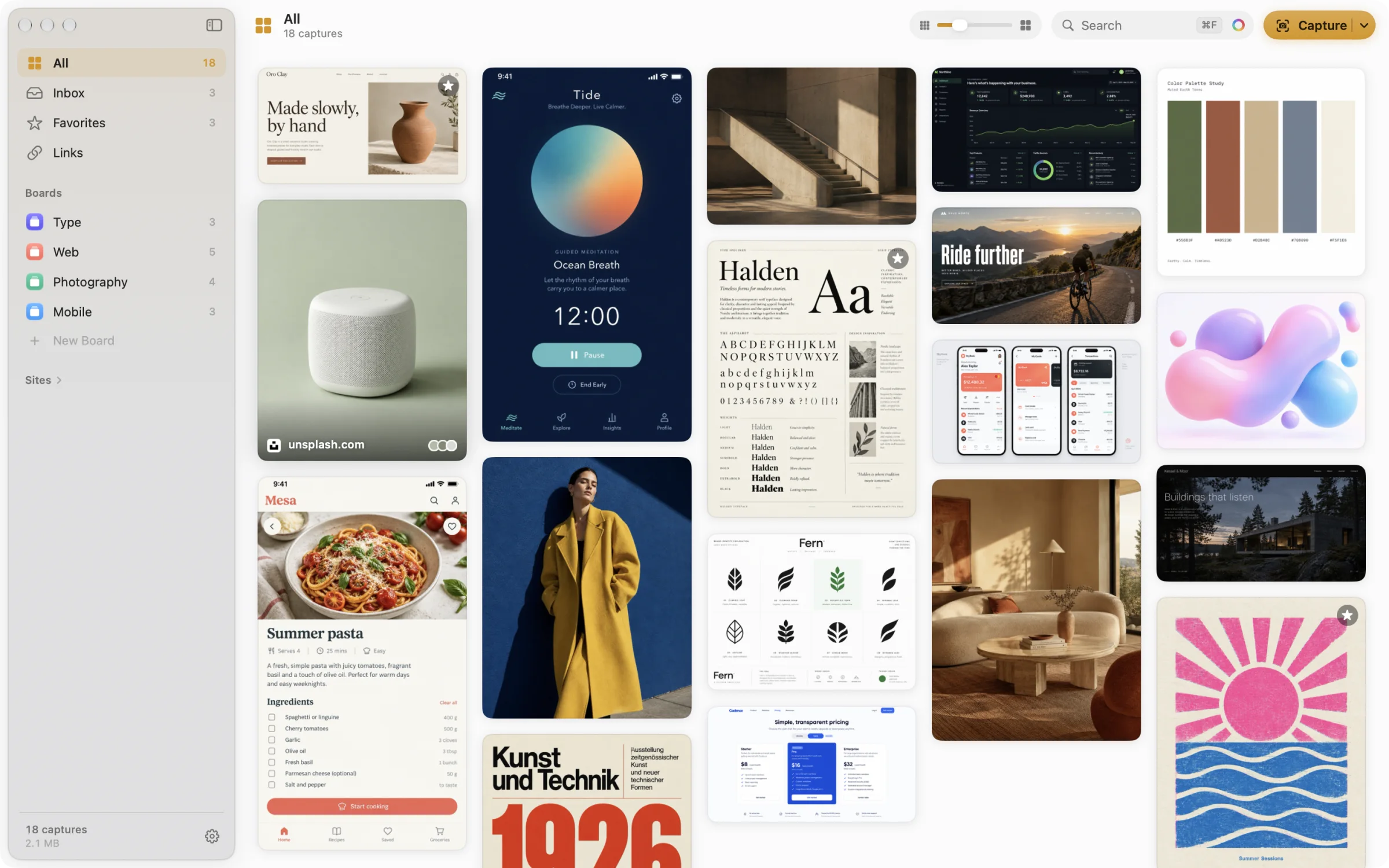
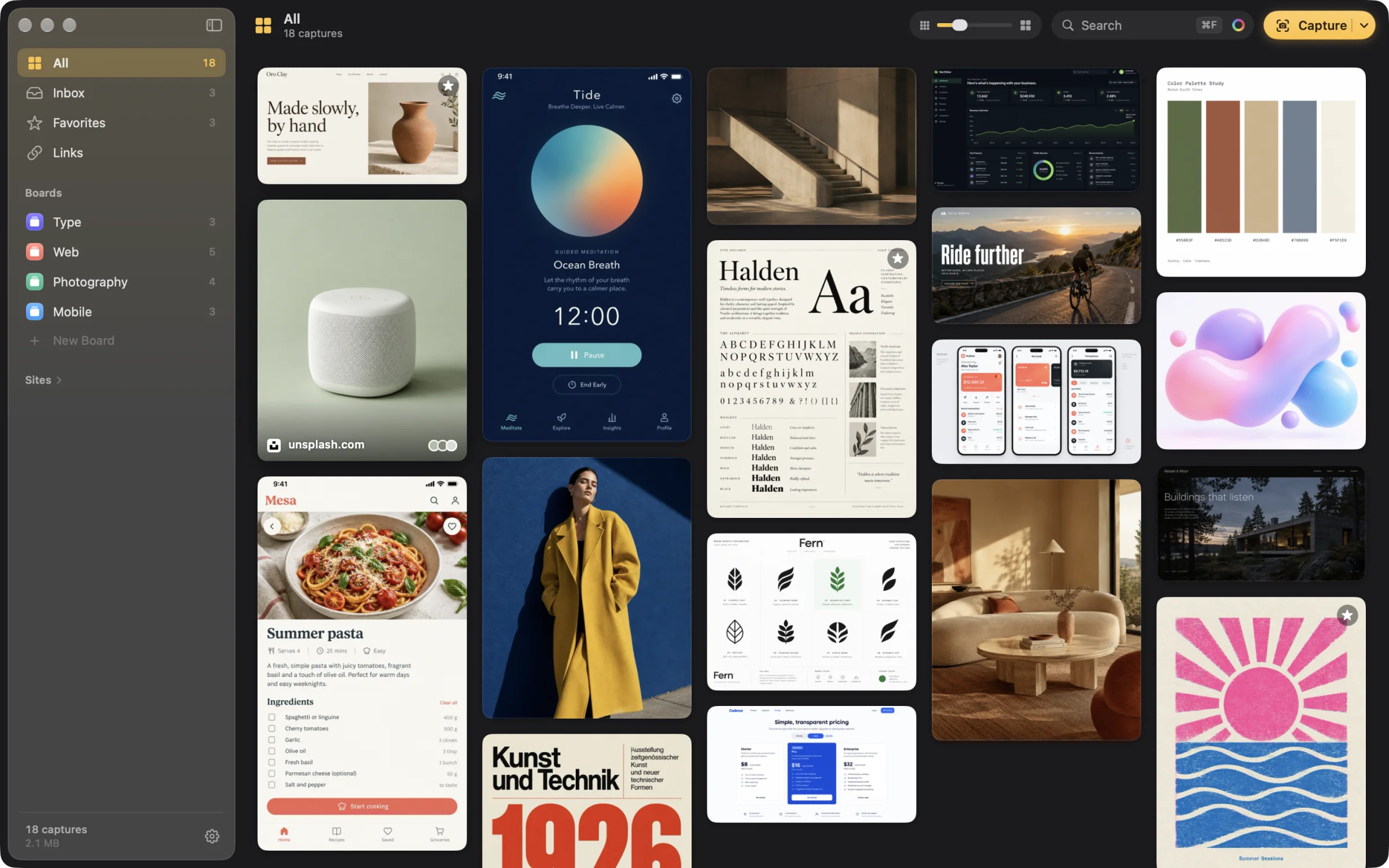
Fig. 02 Your library: 18 captures on four boards.
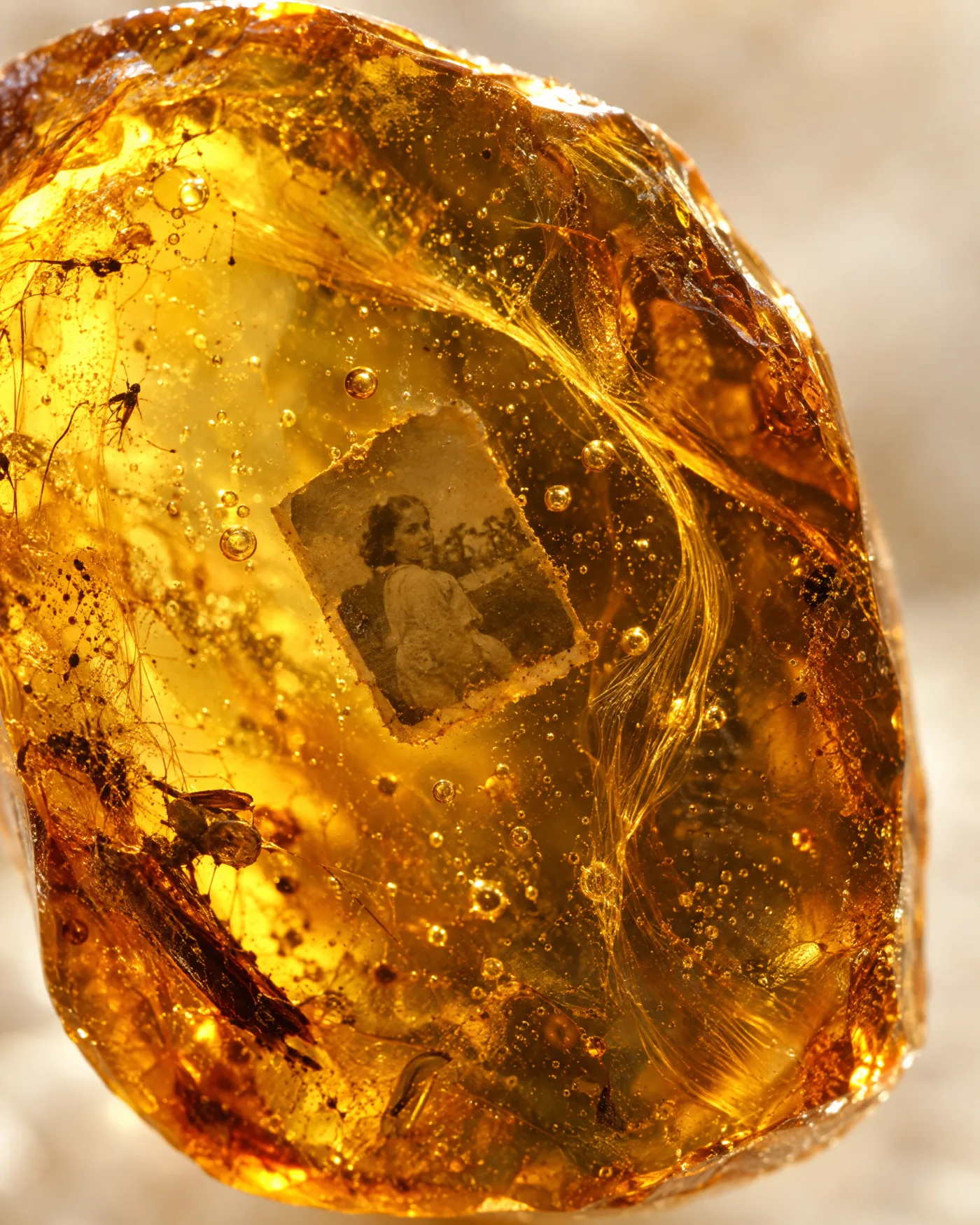
Save what inspires you. Come back to it when you need it.
01 — Save
Save from any app, without opening Ambrel.
-
⌃⇧4
Capture a region
Select part of the screen and it’s saved along with the website and app it came from. Press Space for the whole window.
-
⌃⇧V
Save what you copied
The image you just copied in Figma, Slack or your browser. If you copied a link, it saves the page with its title and cover image.
-
⌘⇧4
Or carry on as usual
Take screenshots the way you always do, or copy a link. A number appears in the menu bar, and one click saves everything.
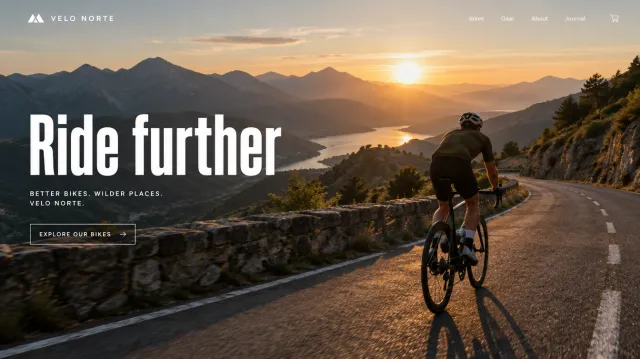
Fig. 03 A screenshot with ⌘⇧4 in Safari. Ambrel spots it and saves it to the Web board in one click.
02 — Find
Find it even when you can’t remember where you saved it.
Ambrel reads the text in every image, recognizes what it shows and pulls out its colors. Try it right here: search for a word, pick a color or click an image to see similar ones.
Nothing here. Try “pasta” or the yellow.
- By text
- The words inside your images, their titles, the site they came from and what’s in them: “dog”, “beach”, “coat”.
- By color
- Up to three colors from the palette, the eyedropper anywhere on screen, or a #hex. Captures where they stand out most come first.
- By likeness
- From any capture, find the ones that look like it across your whole library. Then save the search and let it fill itself.
03 — View up close
The image, and everything you know about it.
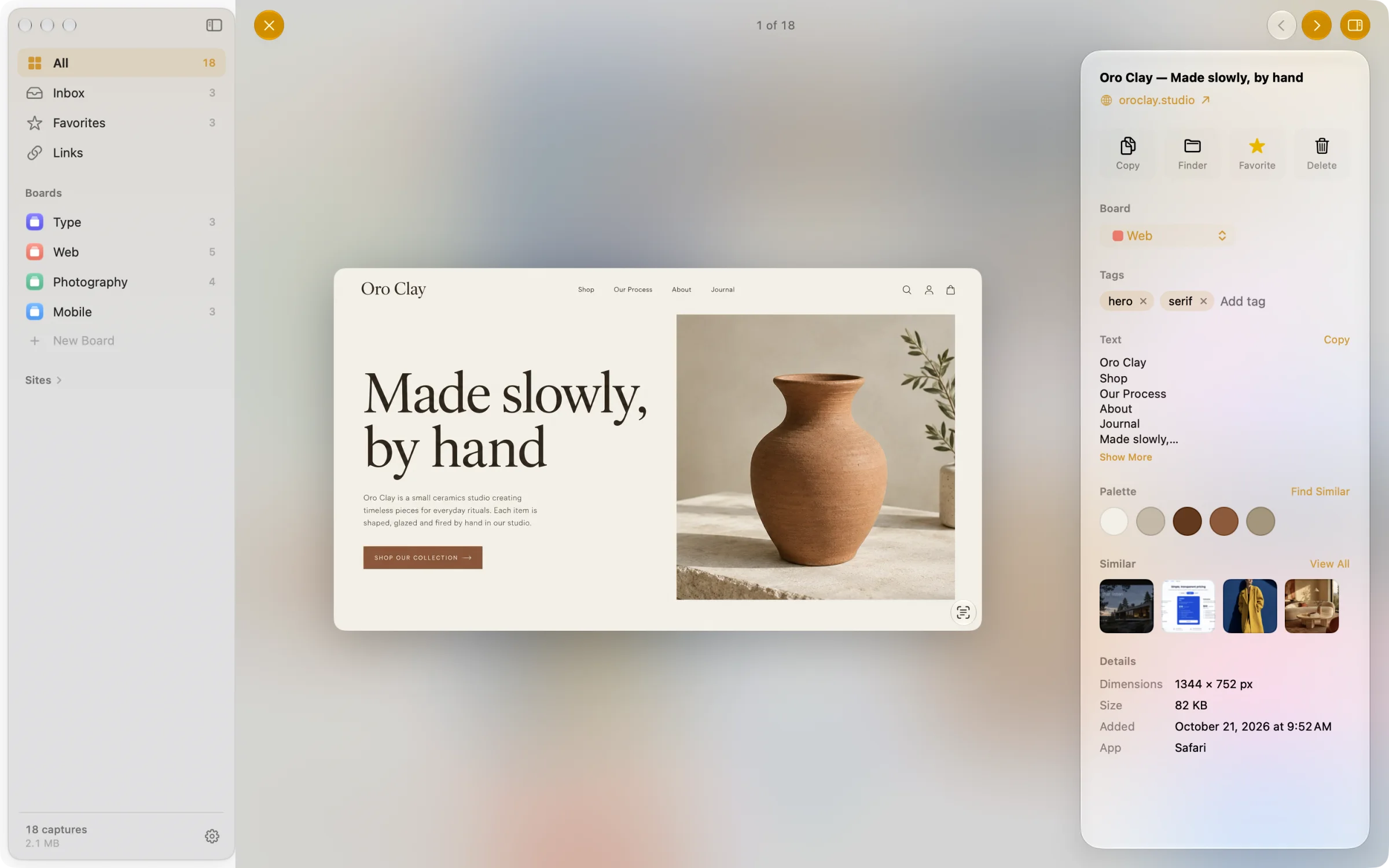
- SourceThe website and app it came from. One click takes you back.
- Board and tagsMove it or tag it without leaving the viewer.
- TextEverything written in the image, ready to copy.
- PaletteIts main colors. Click one to search with it.
- SimilarThe captures in your library that look most like it.
- Live TextSelect text in the image, open its links or lift the subject.
Fig. 04 Space to open, ← → to browse, F to favorite.
Stays on your Mac
Text, colors and likeness are worked out on your Mac. Your library never leaves it.
No account
Download it, open it, and it works. No sign-up, and no card for the trial.
Light on disk
Captures are stored as HEIC: up to 90% smaller than PNG, with no loss you’d notice.
Made for macOS
Native, with light and dark mode, eleven accent colors and a shortcut for everything.
Questions
What’s included in the 21-day trial?
Everything. Ambrel is fully working from day one, with unlimited captures, no account and no card.
What happens after the 21 days?
Ambrel becomes read-only, and nothing you saved is lost: you can still browse, search, copy, export and organize your library. Saving new captures and links, and creating boards, needs a license.
Is it a subscription?
No. You pay once and the license never expires. It includes every update released in the year after you buy, and whatever version you have keeps working forever. When the year is up, renewing updates for another one is optional.
How many Macs can I use it on?
Up to three at the same time with one license. If you need it on another, free up any of the three from the new Mac with your key, even if you no longer have the old one.
Can I get a refund?
Yes, within 30 days of buying, no questions asked. Once it’s refunded, the license stops working. The details are in the refund policy.
What if I lose my license key?
Enter the email you bought it with on the lost key page and we’ll send you every key linked to it.
Which Mac do I need?
Any Mac running macOS 26 or later, with Apple silicon or Intel.
Where are my captures stored?
In a local library on your Mac, where the text, color and likeness analysis happens too. Ambrel only goes online to fetch the title, cover image and icon of the links you save, to check for updates and to verify your trial or license.
How does it update?
By itself. When a new version is out, Ambrel lets you know and installs it in one click.
Twenty-one days to fill it.
Download it, take your first capture with ⌃⇧4 and watch it stay. If it earns its place, buy it once and it’s yours.